

Enabling Self-Service
To enable self-service, marketplace admins or sales users can manage vendor users directly from the Admin Dashboard. Each vendor user is assigned a role that determines their level of access within the vendor dashboard.
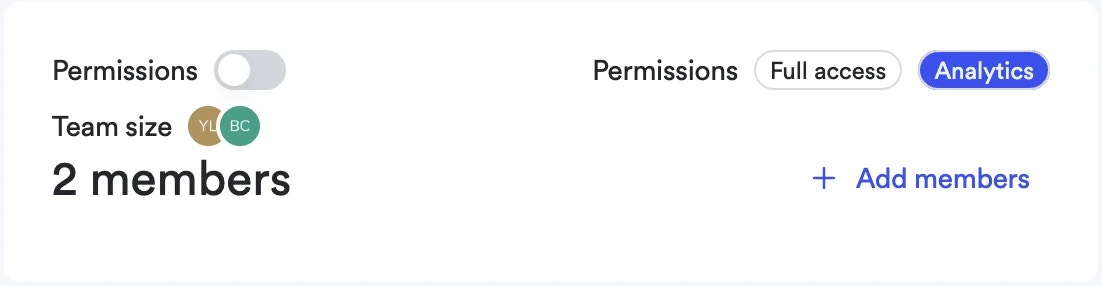
Two roles are available for vendor users:
- Admin — Full access to the vendor dashboard: manage campaigns, set budgets, invite other vendor users, and view analytics.
- Analytics — Read-only access to the vendor dashboard: view campaign performance, reports, and dashboards without the ability to make changes.
Some banner ad creatives may still require marketplace approval.
Managing Vendor Users
Marketplace admins and sales users can manage the full lifecycle of vendor users from the Admin Dashboard:
- Invite users: Add new users to a vendor’s team and assign the appropriate role (Admin or Analytics).
- Assign roles: Choose the role that matches the vendor user’s responsibilities.
- Deactivate users: Revoke a vendor user’s access immediately when they no longer need it. Deactivated users lose access instantly.
Vendor Dashboard Features
The vendor dashboard offers a centralized view for campaign management and analytics:
- Performance monitoring: Access real-time data and metrics about the performance of campaigns.
- Campaign Management: Create and review campaigns directly from the dashboard.
- Team and Payments: Invite team members and manage payment settings (when self-service payment is available through Stripe).
- Support: Access the help center and frequently asked questions.