March 7, 2023Ad PlatformImprovement
We have revamped the banner experience with improvements around the core areas of banner ads: Configuration, Campaign Creation, and Targeting. In addition to a smoother and more coherent banner ads experience, you can now create exclusivity with your placements for a premium offering. We also implemented SSO for easier login and launched a new API to simplify vendor invitations.
Banner Ads - Simpler, Faster, and More Configurable
Topsort banner ads have one of the most intuitive flows and configurations in the market; turning a poorly used ad format into a premium offering. With the new features, you now have a streamlined and intuitive platform to manage your ads that is more relevant and scalable than ever.Configuration
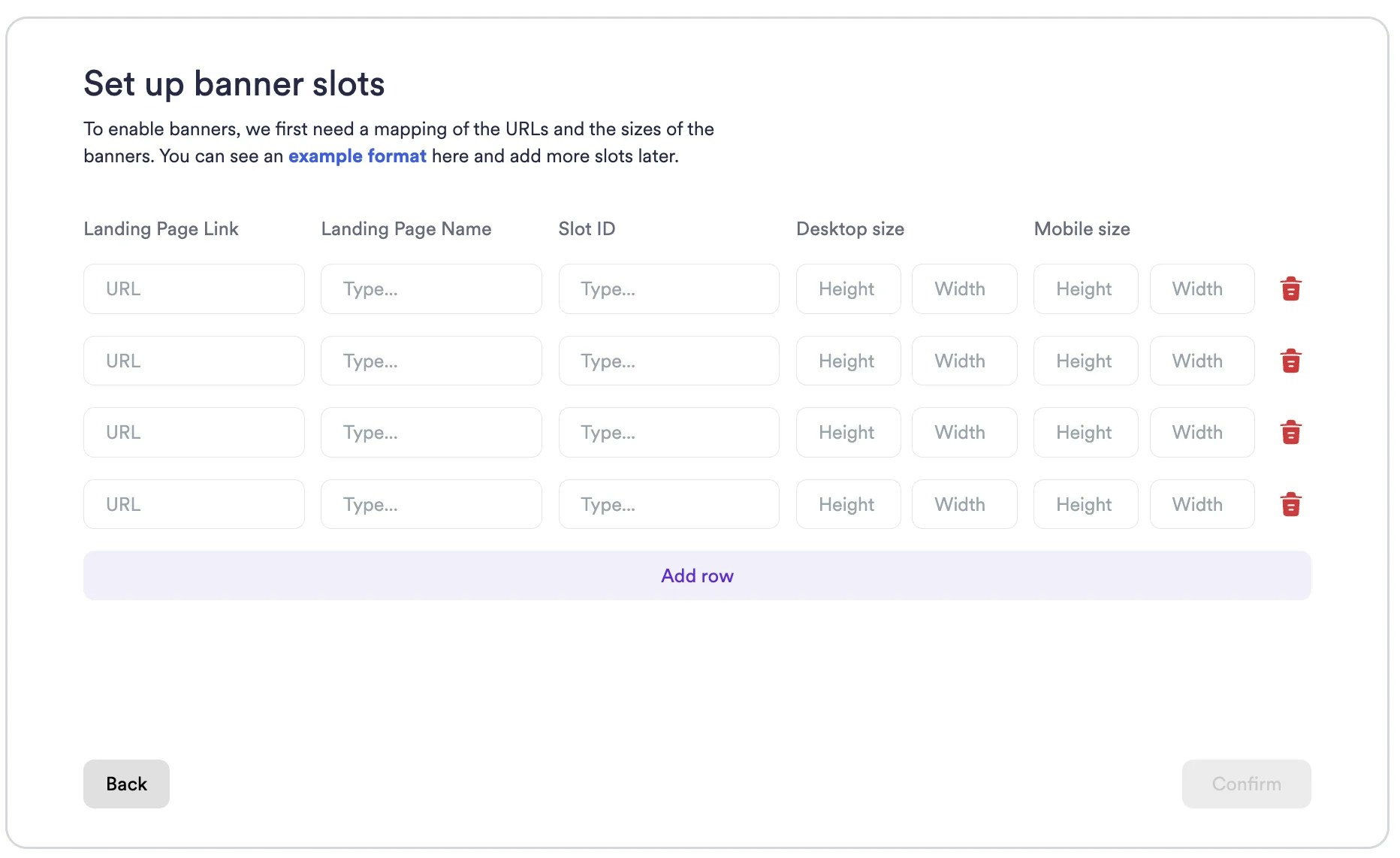
You can create banner ads for search, category, and landing pages. With these 3 types of banner placements, you can serve banner ads for the entire user journey on your website or app. Now, you don’t need to spend time with Search and Category page banner ad slots because we got them configured for you. There is just one slot for category pages, and one slot for search results pages. Instead, you can define landing page placements, but faster. Your homepage, and the other high-value and specific pages that act as landing pages are perfect for banner ads due to their high traffic. Using our intuitive UI and providing the values below, you can define as many placements as your want, like adding new rows to a spreadsheet.- Landing Page Link
- Landing Page Name
- Slot ID
- Desktop Size (Height x Width)
- Mobile Size (Height x Width)
Campaign Creation & Management
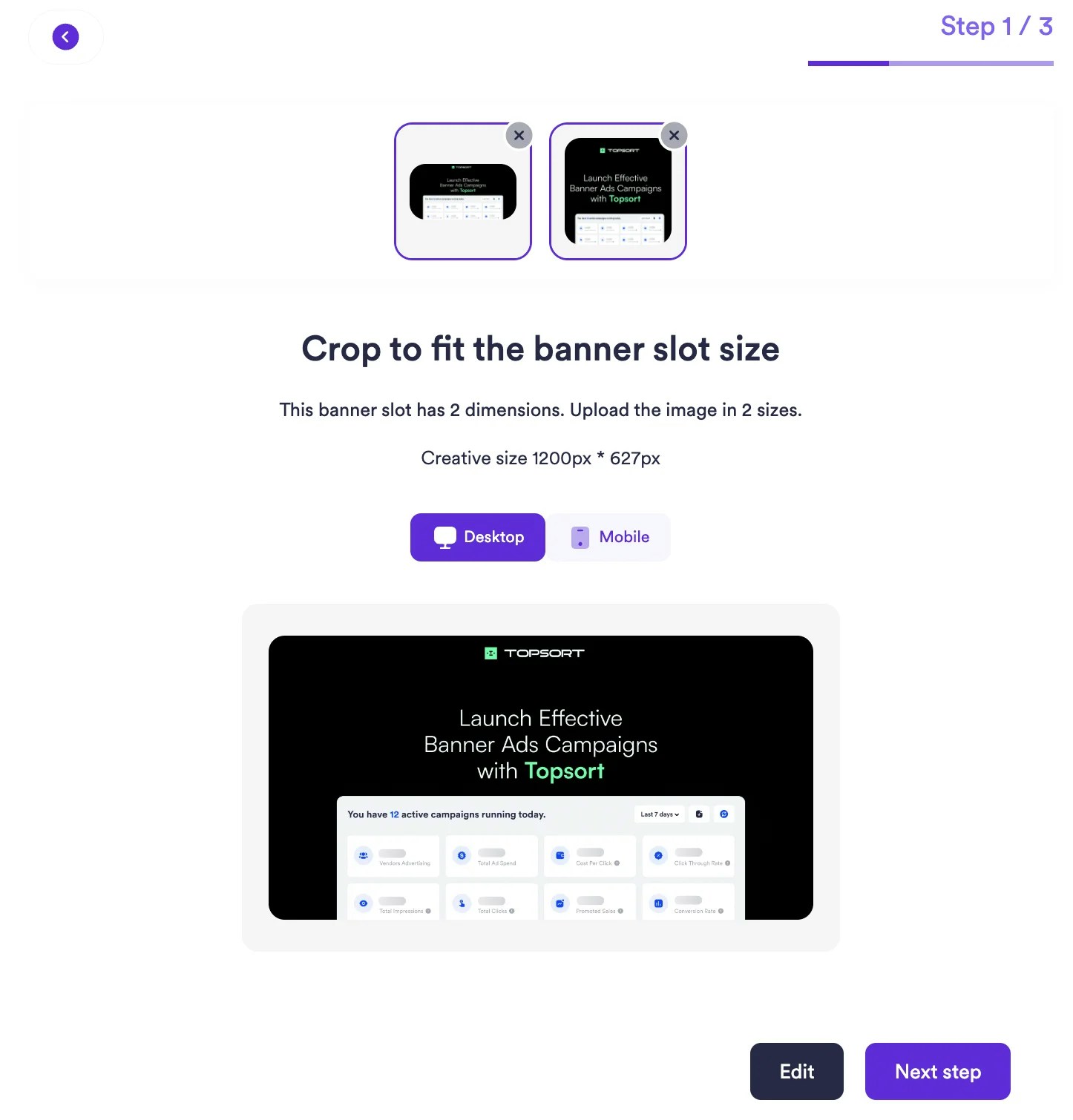
We added new entry points to the campaign creation flow and improved the flow by adding more features. Now, as an admin, you can create banner ads campaigns directly on the configuration page. You can still visit the vendor page and launch a banner ads campaign. This new flow saves you time by letting you create banner ads campaigns for vendors (even multiple vendors) easily. You can promote a vendor, a product, or a URL. For faster campaign creation, use the “Create Banner” button or pick a slot from the list. Now, for each banner ad slot, you can upload different creatives for mobile and desktop, or crop one image to fit both.