

October 22, 2025Ad ServerNew Feature
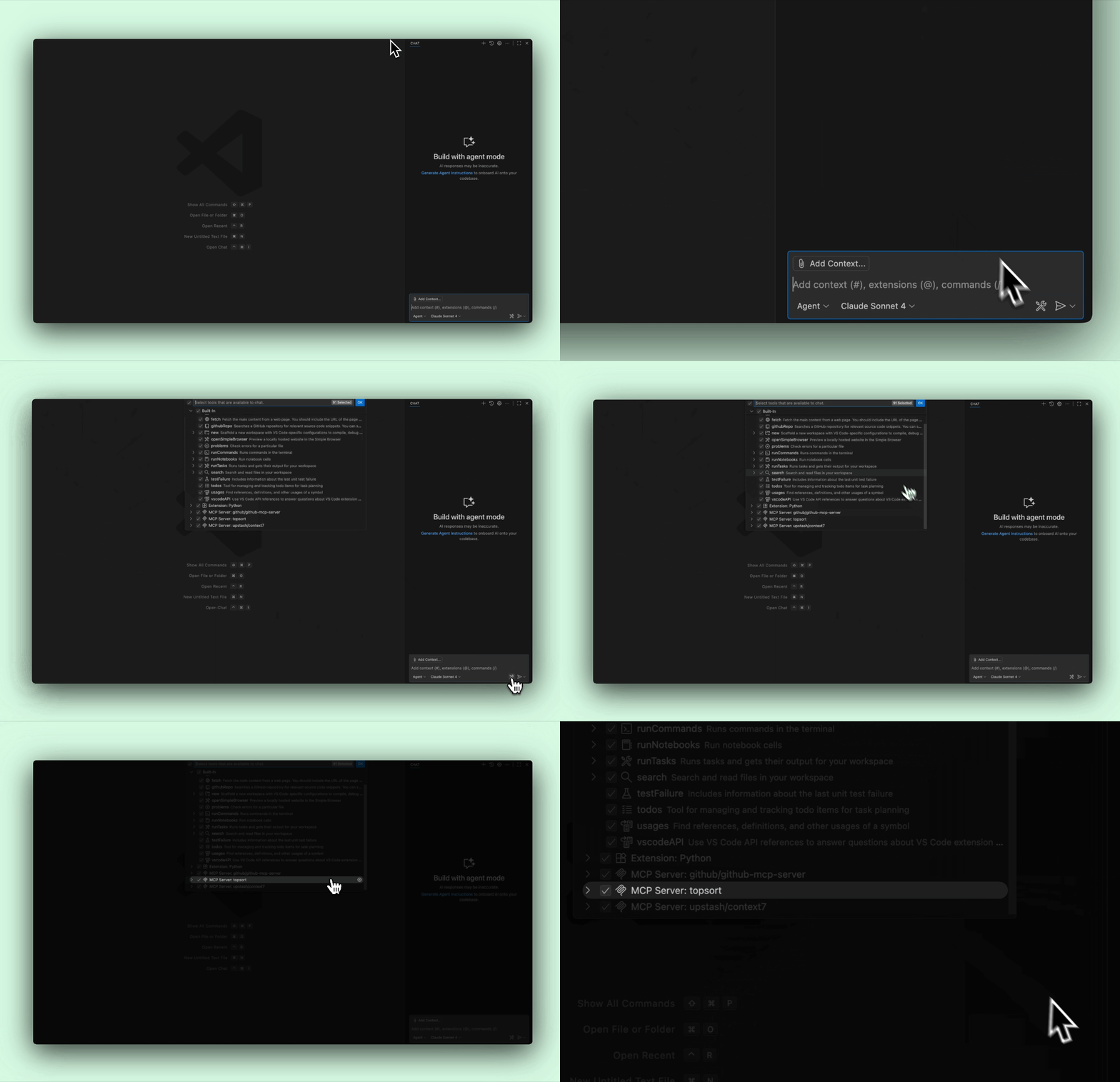
We’ve added the Topsort MCP Server that connects AI assistants directly to Topsort’s complete API documentation. This integration enables developers to access accurate, up-to-date information about our APIs without leaving their development environment, making integration faster and reducing context switching.
Key Benefits
In-Context Documentation: Access complete API documentation directly from your IDE or AI assistant without browser switching Accurate Code Generation: AI assistants generate more accurate integration code using current API schemas and examples Faster Troubleshooting: Quickly diagnose integration issues with instant access to error codes and API specifications Always Current: Documentation stays synchronized automatically without manual updates or version checkingDeveloper Experience
The MCP server provides read-only access to Topsort’s API documentation through a standardized protocol. When configured, developers can ask their AI assistant questions like:- “How do I create a banner campaign?”
- “What are the required fields for the auctions API?”
- “How do I authenticate with the Topsort API?”
- “What’s the request format for the bidding endpoint?”
Quick Setup Across Clients
Configuration is straightforward and takes just a few minutes:- GitHub Copilot in VS Code - Add a simple JSON configuration to your settings
- ChatGPT Plus/Team - Add the server through Connections settings
- Claude Desktop - Configure through the MCP settings panel
- Other clients - Follow standard MCP configuration patterns
Two MCP Servers
Topsort now offers two MCP servers for different use cases:
The Documentation MCP is publicly accessible, while the Analytics MCP requires authentication. Contact your Topsort sales representative for Analytics MCP access.